Experiments
Flight Deck
From an idle ChatGPT chat to an offline Android app on my phone in a few hours.
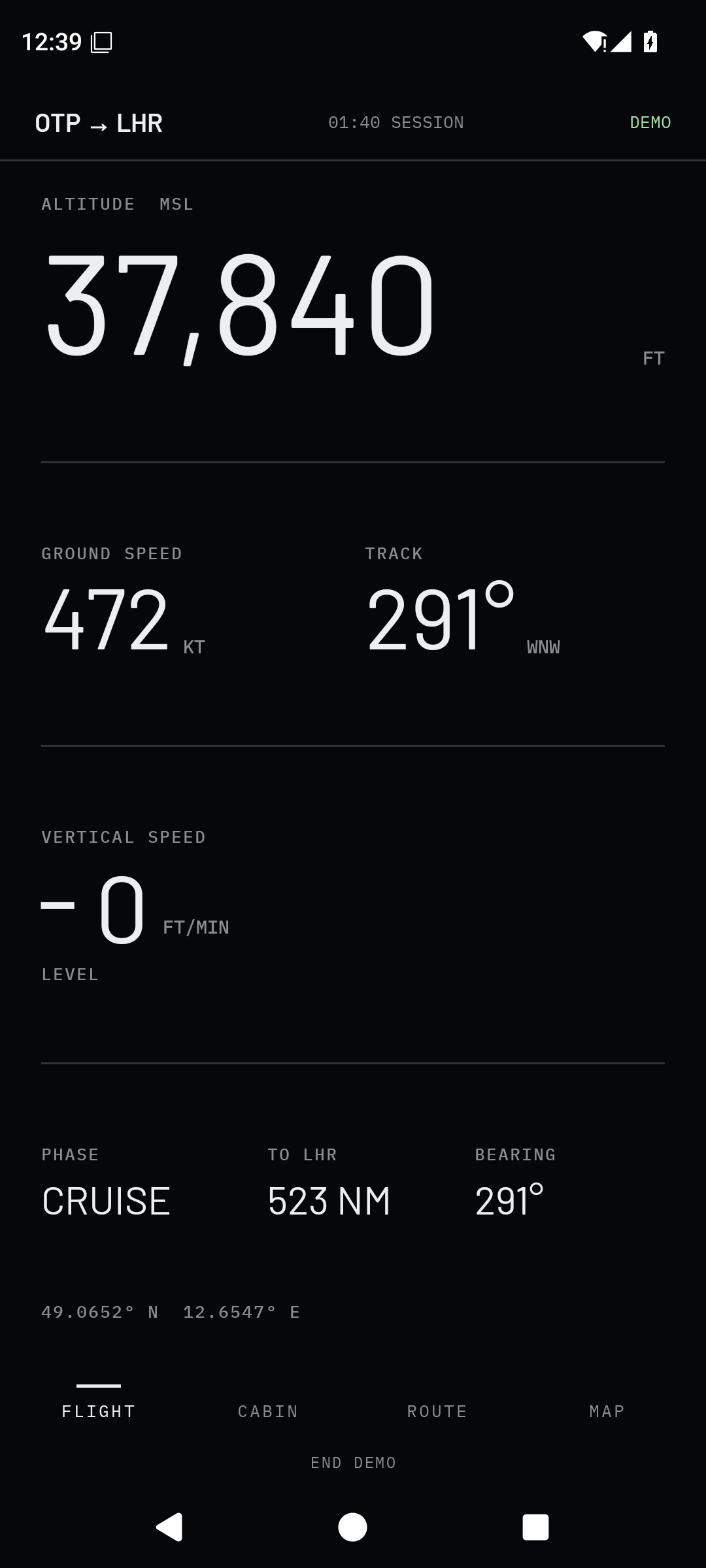
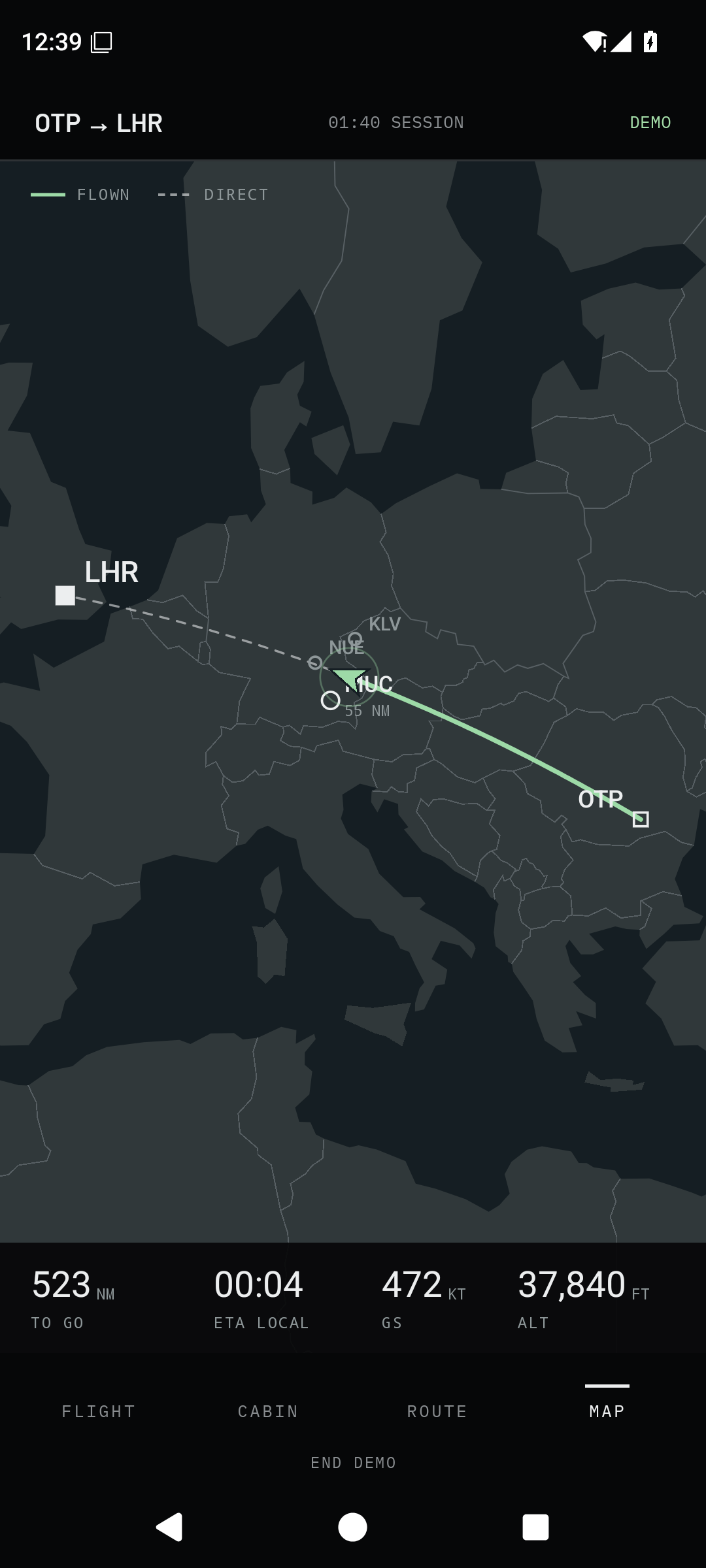
Flight Deck began as an idle ChatGPT conversation. A few hours later, I had an Android app running on my Samsung Galaxy S23 Ultra. In between came a Claude Design prototype and a remarkably fast build in Codex. That journey from loose thought to a working thing on my phone is the experiment.
The idea was a pocket-sized flight instrument for a passenger: something to glance at for 10–30 seconds, put away, and check again later. It would use what the phone could actually measure—location, movement and cabin pressure—without pretending it had access to the aircraft's instruments. It also had to work in airplane mode, with no in-flight connection.
ChatGPT gave the idea shape; Claude Design gave it a face
The chat turned into a brief for four swipeable views: FLIGHT for the immediate numbers, CABIN for pressure, ROUTE for progress and nearby airports, and MAP for a moving picture of the journey. I wanted large, glanceable typography and honest labels. Ground speed is not airspeed; ground track is not aircraft heading; pressure-derived cabin altitude is an equivalent, not a direct height measurement.
I took that brief into Claude Design. Its HTML prototype established the dark instrument feel, the information hierarchy and the way the pages should sit together. It was a useful visual specification, but still a browser prototype with network-loaded assets. The next handoff had to turn that look and behavior into a native, fully offline Android app.
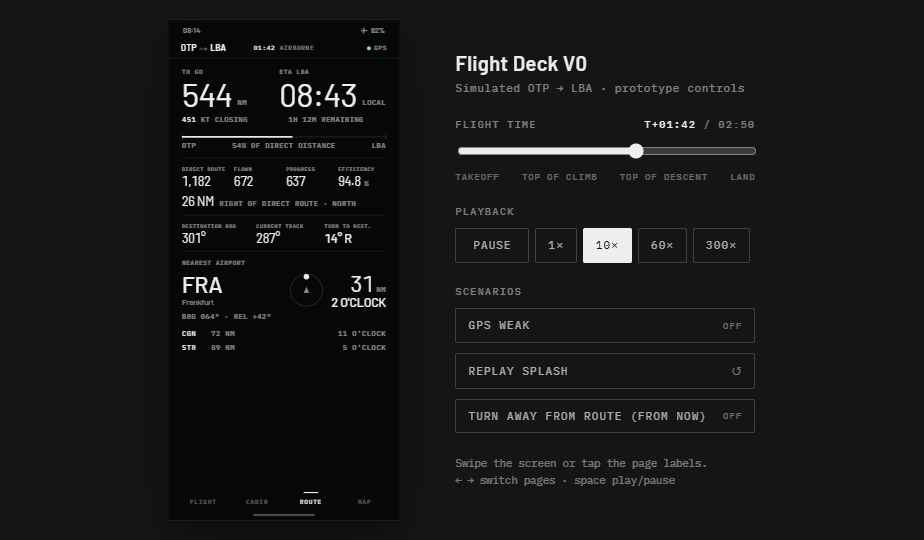
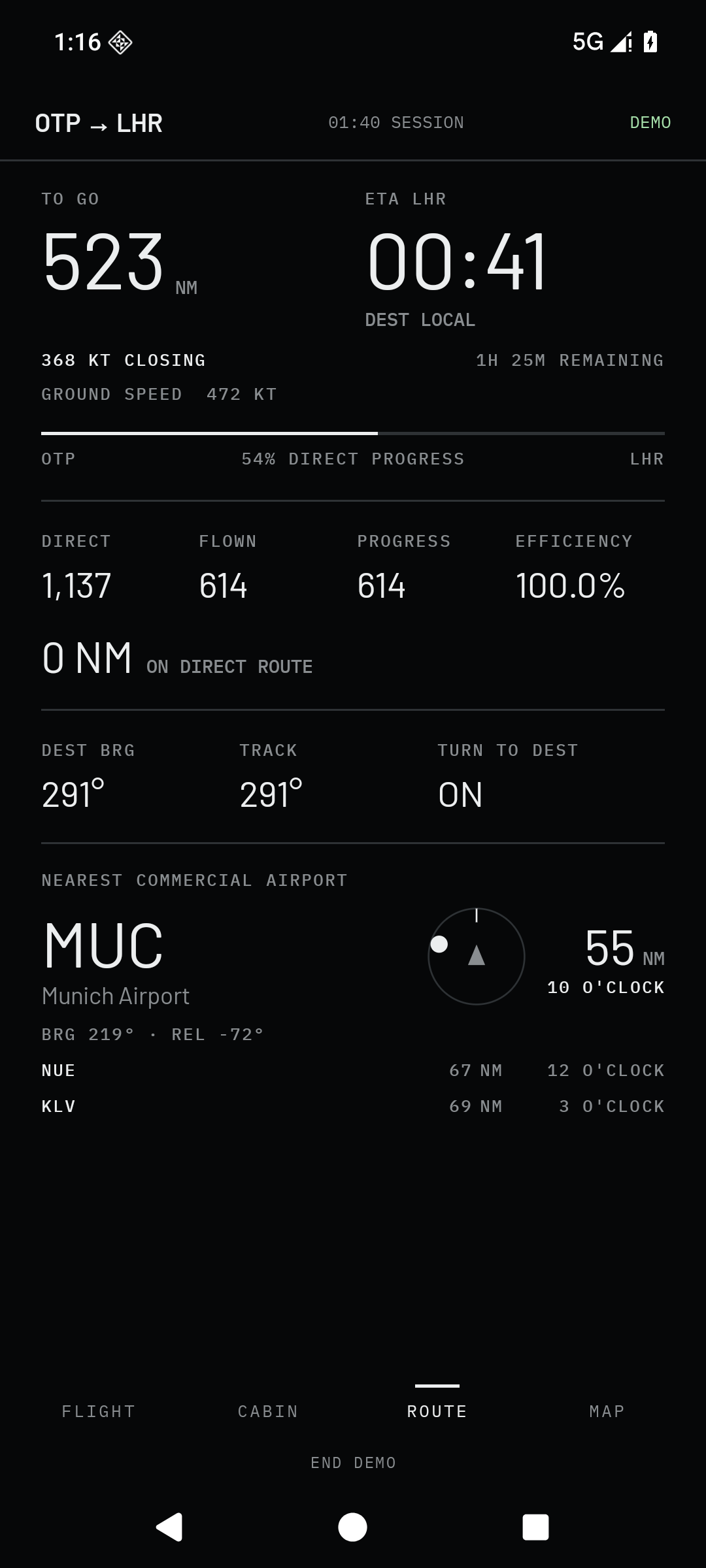
Codex turned the reference into an APK
The Codex build began late on 23 September 2026. There was no Android project in the folder when it started. Work on the toolchain, offline airport and map data, and route mathematics ran in parallel while the main build joined the recording service, local storage and four native screens. The first complete APK appeared about half an hour after that build began.
This was more than a screen-shaped demo. The app bundles 9,169 airports, time zones and simplified map geography. Search, route calculations, recorded flights and CSV export all stay on the device. The Android package asks for no INTERNET permission. Live recording uses a foreground location service; a separate, visibly labeled demo lets me inspect the UI on the ground without creating a fake flight log.
24 September 2026, Bucharest time:
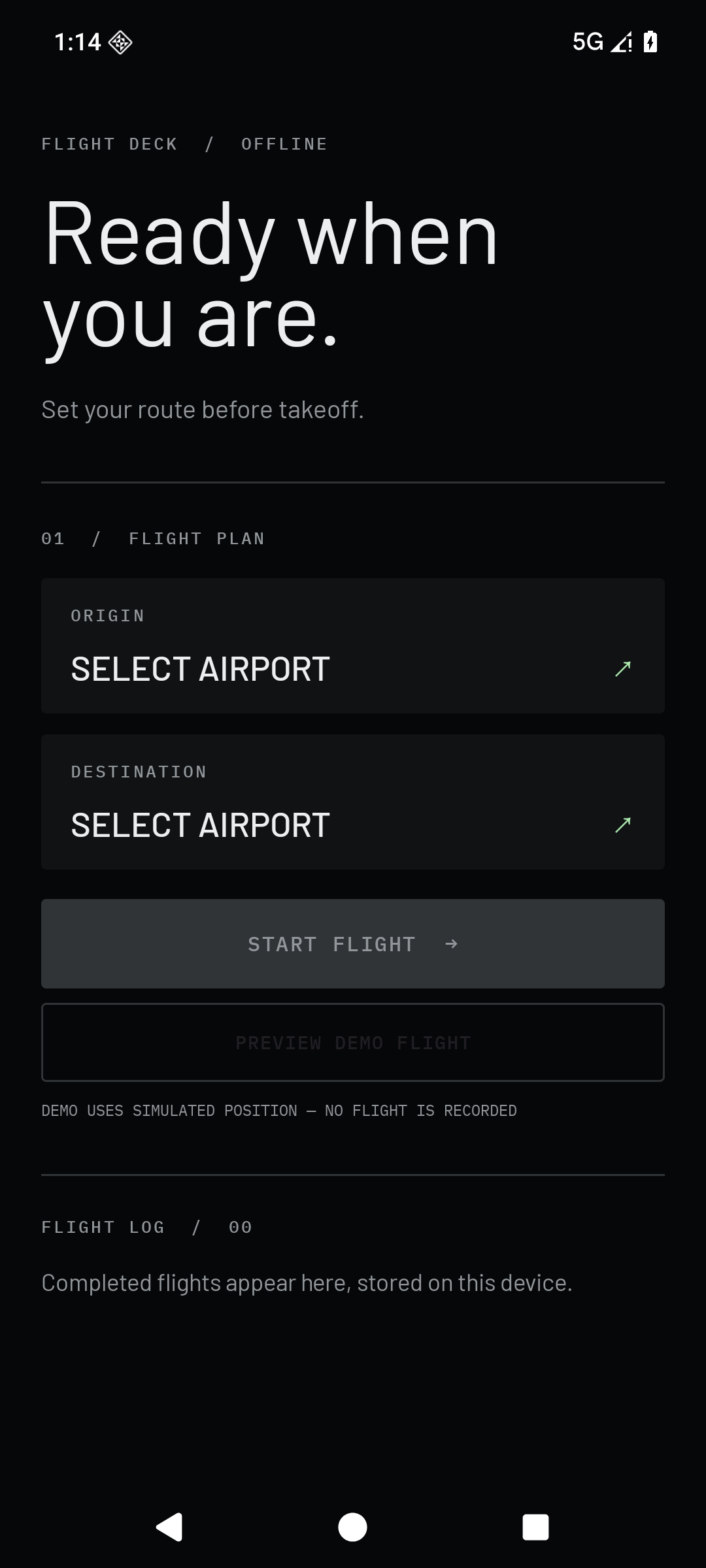
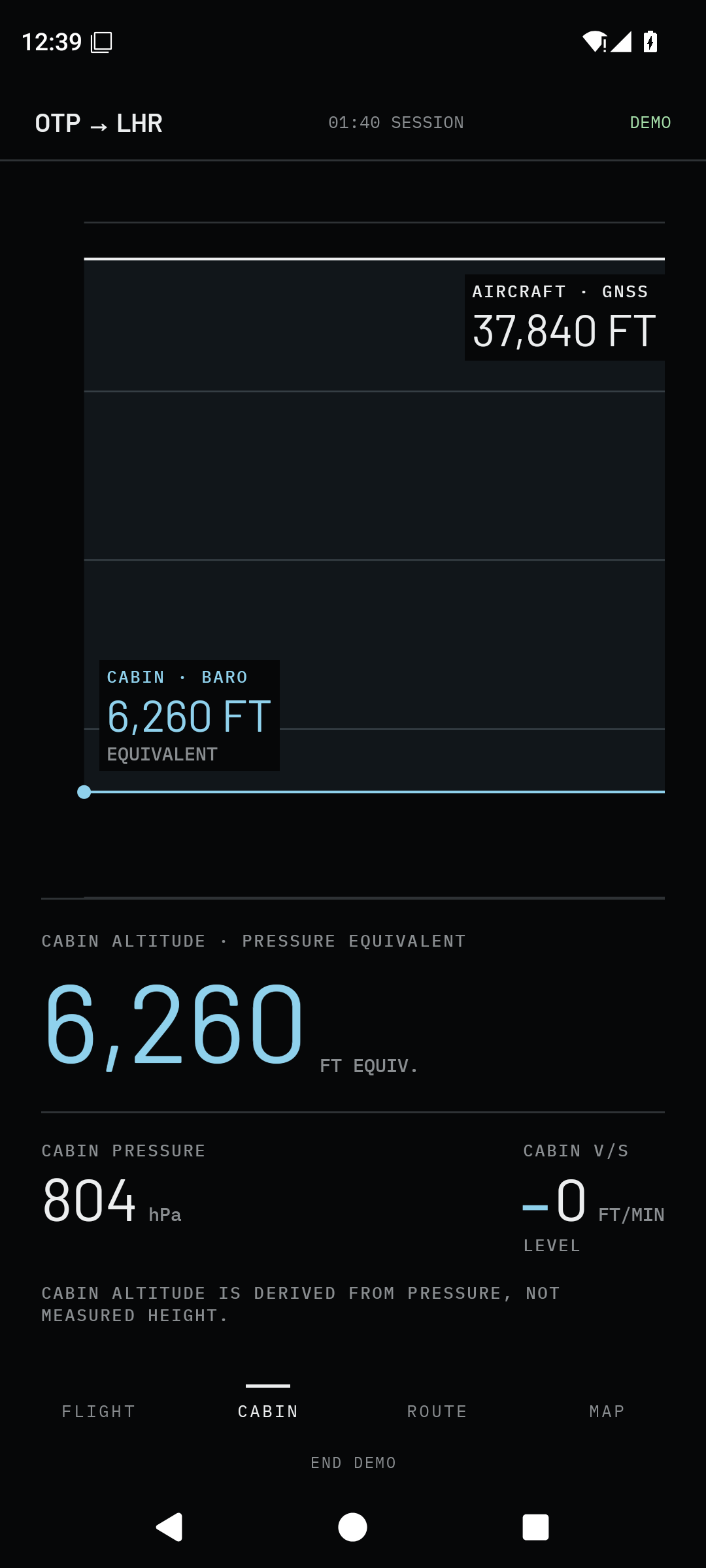
Seeing it on the phone changed the last pass
Getting the first build onto the S23 required one small detour: USB file transfer was working, but USB debugging itself was off. Once I enabled it and authorized the computer, the APK installed and launched. Seeing the actual app gave me much more useful feedback than another round of abstract prompting.
I asked for better alignment of the nearby-airport distances, the little circular bearing indicator from the ROUTE design, separate recent origin and destination airports, and a shorter setup sentence. The original branding was weak, so I supplied a second Claude Design reference for the splash and icon. Codex integrated those changes, then caught and fixed a splash-screen launch crash during emulator testing before the revised APK went back onto my phone.
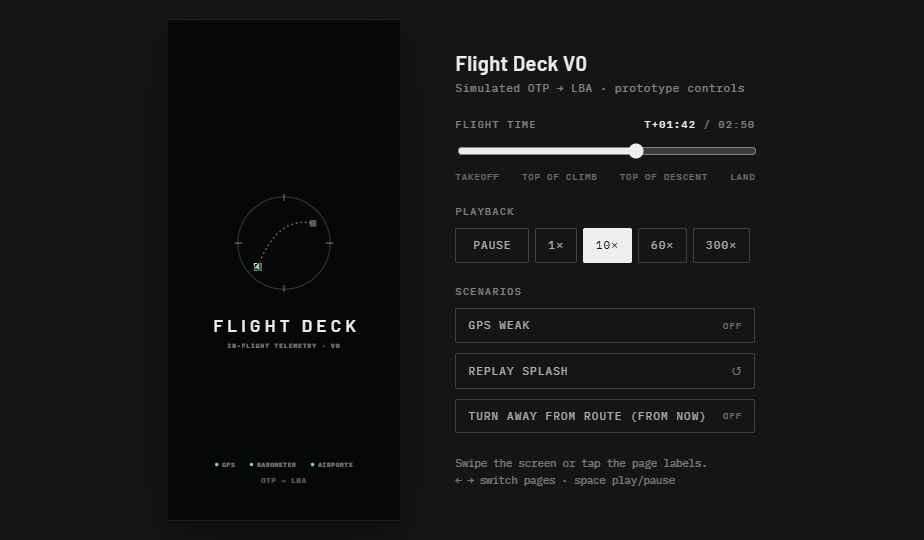
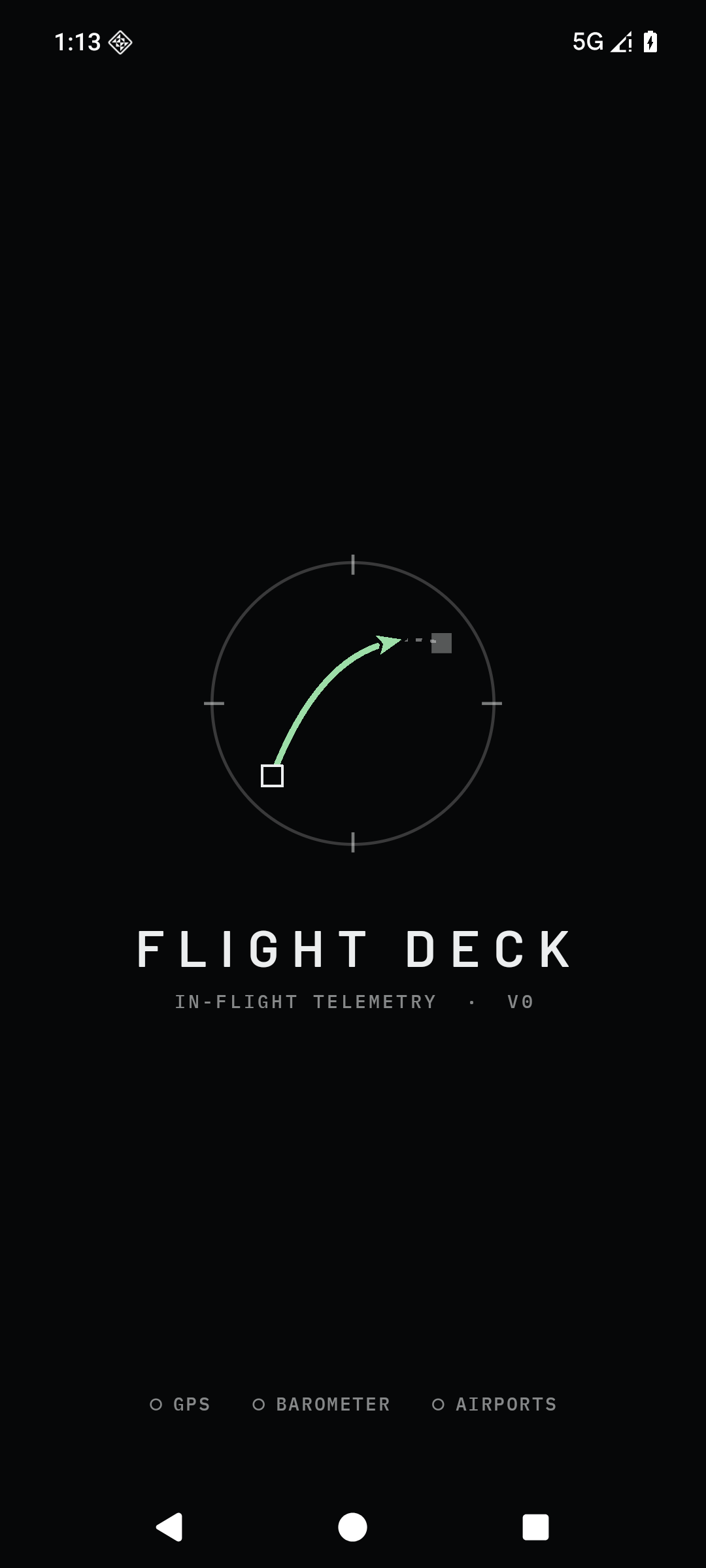
A finished build experiment
By the end of that short loop, I had an installable offline app on the target phone, four working views, local flight recording and export, an explicit demo, and 11 passing unit tests. Emulator checks covered airport search, the demo screens, a session with injected GPS fixes, backgrounding and reopening, the flight log and CSV export. That is enough to call the build experiment complete: there is a working artifact at the end of the chain of handoffs.
There is one important boundary. Installation and emulator checks are not a real flight. The app has not yet been tested for outdoor or airborne GNSS reception, cabin satellite signal or multi-hour battery use. Its measurements are for personal curiosity, never navigation or safety decisions. The experiment's result is the speed and quality of the idea → design → native-app loop—and a real APK on my phone at the end of it.
Experiment facts
- Status: Complete AI build experiment
- Path: ChatGPT conversation → Claude Design prototype → Codex Android build
- Deliverable: Offline Kotlin/Jetpack Compose app, installed on a Samsung Galaxy S23 Ultra
- Validation: 11 unit tests, Android 16 emulator checks and physical-phone install/launch
- Boundary: Debug-signed sideload APK; no real-flight or long-duration battery test yet